Grab this Web Hosting Plan: https://saasmaster.link/hostingervps
Coupon: SAASMASTER
Oopen Source BentoPDF: https://www.bentopdf.com/
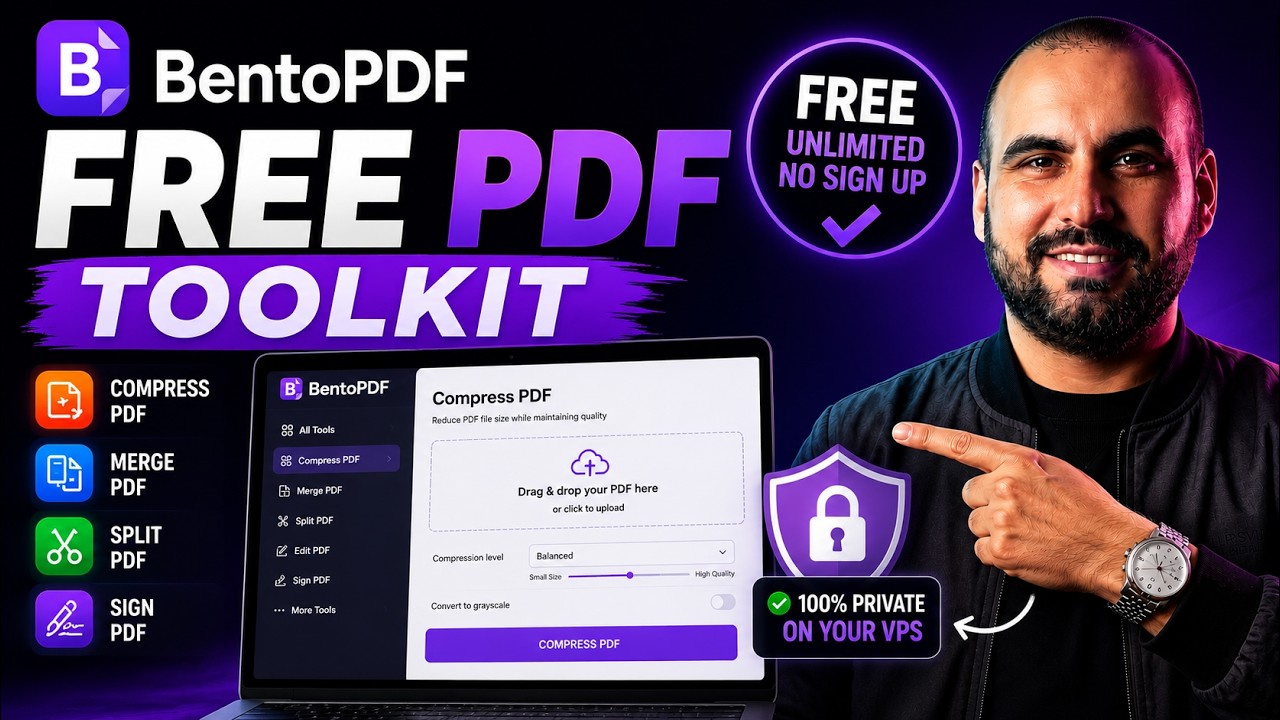
Looking for a completely free, unlimited PDF toolkit but worried about your data privacy? While free online PDF tools are convenient, uploading your sensitive documents to third-party servers always comes with data leakage risks. In this video, I show you how to solve this by self-hosting BentoPDF, an open-source, full-featured PDF editor, on your own Virtual Private Server (VPS).
I’ll walk you through how to deploy your own private instance of BentoPDF using Hostinger’s hPanel and Docker Manager. Thanks to their One-Click Deploy system, you don’t need any terminal access or technical knowledge to get it running. Once installed, you will have access to all the toolkit’s premium features—like merging, splitting, and compressing PDFs—completely free, unlimited, and 100% private on your own server.
SEO Timeline
00:00 Free and unlimited PDF tools with BentoPDF
00:26 The privacy drawback of uploading files to public web servers
00:39 Choosing a KVM VPS plan for multi-application hosting
00:52 Locking in the lowest 24-month pricing with a discount code
01:12 Accessing Hostinger hPanel and configuring Docker Manager
01:37 One-Click Deploy: Installing BentoPDF via Docker Compose projects
01:50 Comparing the public site vs. your new private server instance
02:03 Reviewing the toolkit features and open-source licensing
02:28 Wrap-up: When to use the cloud version vs. your private VPS
Top Links: https://saasmaster.net/links
▬▬▬▬▬▬▬▬▬▬▬▬▬▬▬▬▬▬▬▬▬▬▬▬▬▬▬
Spambarrier – Cloud Antispam
Original Video