Grab this Web Hosting Plan: https://saasmaster.link/hostinger
Coupon: SAASMASTER
BentoPDF Open Source: https://www.bentopdf.com/
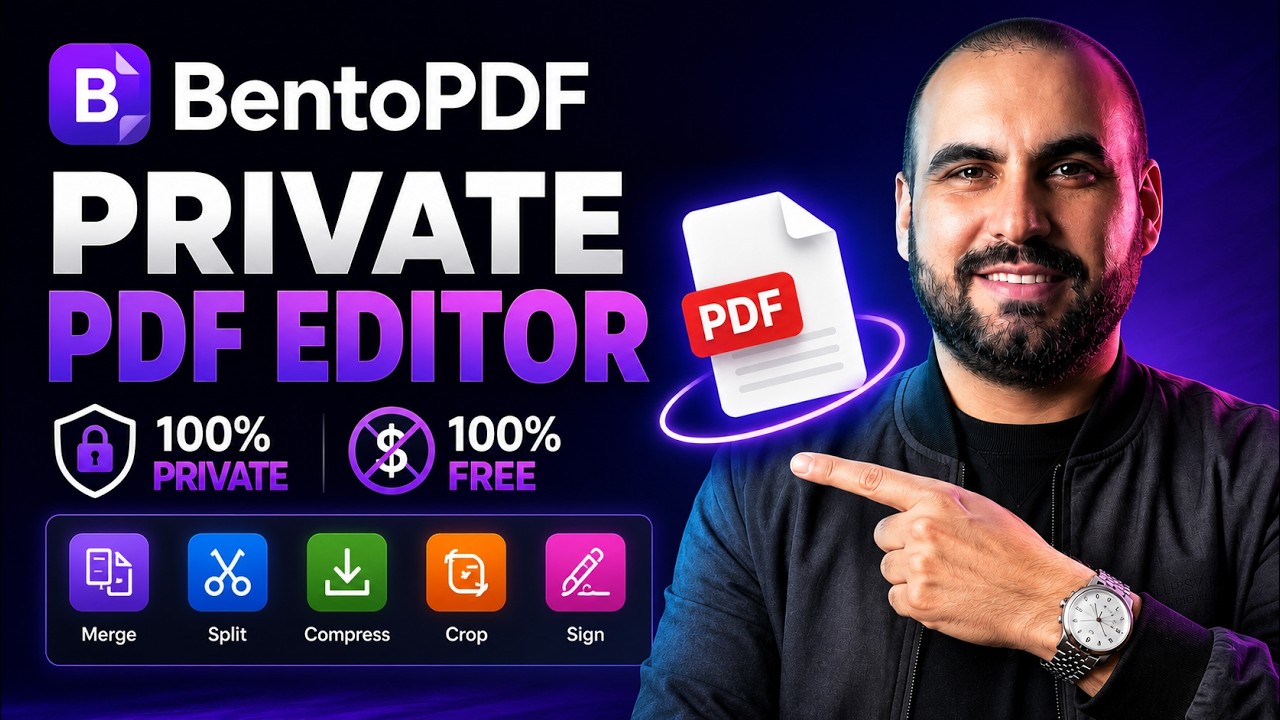
Are you tired of sacrificing your data privacy just to edit, split, or compress a PDF? While free online PDF tools are convenient, uploading sensitive documents to third-party servers puts your data at risk. In this video, I show you the ultimate workaround: self-hosting BentoPDF, a powerful, free, and open-source PDF editor, right on your own Virtual Private Server (VPS).
We walk through the entire setup process using Hostinger’s hPanel and Docker Manager. With their One-Click Deploy, you can spin up your own private instance of BentoPDF in less than 5 minutes. You’ll get access to premium tools like merging, splitting, organizing, signing, and deep compressing PDFs—all completely free, unlimited, and 100% private.
▬▬▬▬▬▬▬▬▬▬▬▬▬▬▬▬▬▬▬▬▬▬▬▬▬▬▬
My top links: https://saasmaster.net/links/
Subscribe to my newsletter: https://saasmaster.net/subscription/
▬▬▬▬▬▬▬▬▬▬▬▬▬▬▬▬▬▬▬▬▬▬▬▬▬▬▬
00:00 The privacy problem with free online PDF editors
00:21 Introduction to BentoPDF: Features & open-source licensing
00:39 Selecting a Hostinger KVM VPS plan for multi-app hosting
01:10 Locking in the best 24-month pricing and applying the coupon code
01:31 Navigating to Hostinger hPanel and setting up Docker Manager
01:47 One-Click Deploy: Installing BentoPDF via Docker Projects
02:10 Dashboard comparison: Public cloud vs. your private server
02:47 Feature Walkthrough: Using the PDF Multi-Tool (organize, delete pages, merge)
03:13 Deep Dive: How to accurately compress PDFs with custom quality settings
03:54 The benefits of hosting multiple Docker tools on a single server
Spambarrier – Cloud Antispam
Original Video